Data Characterization job
- In the Admin Portal, go to Datasets. Go to the source dataset of interest.
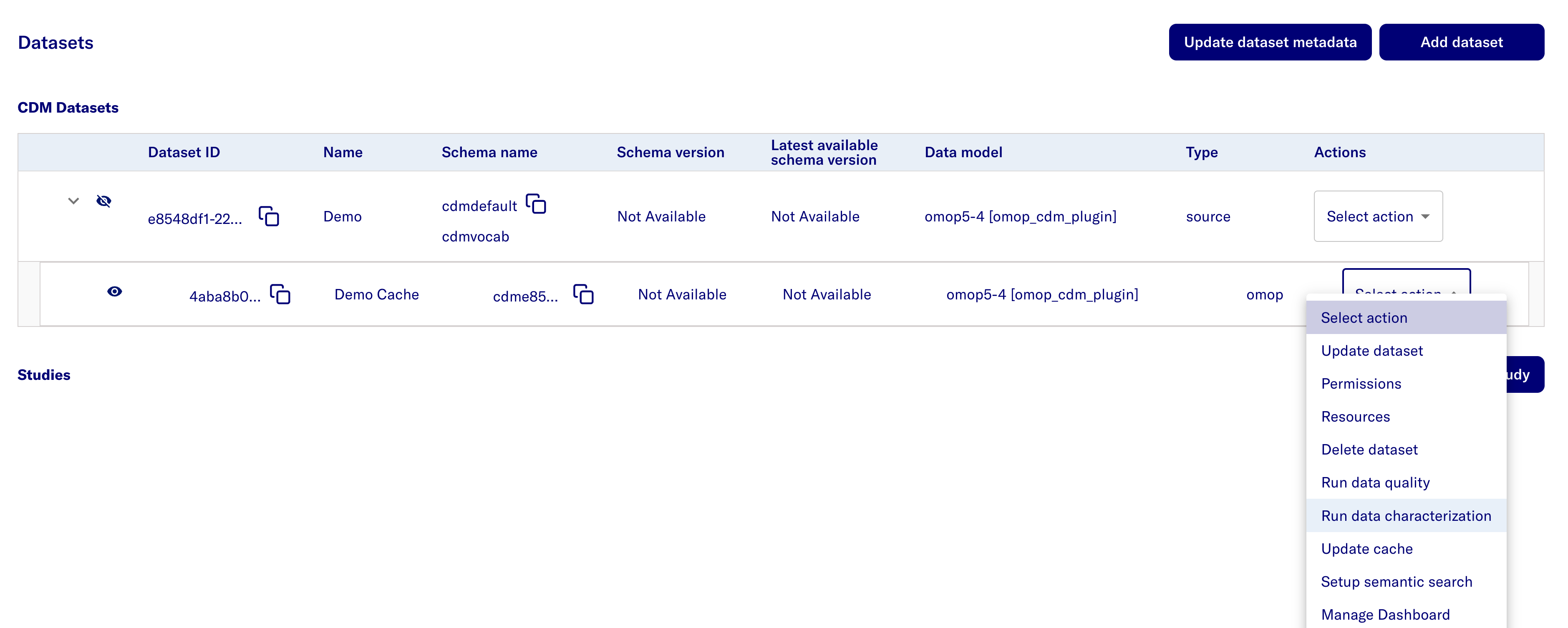
- Uncollapse the source dataset to views its cache dataset and click Select Action.
- Select Run data characterization
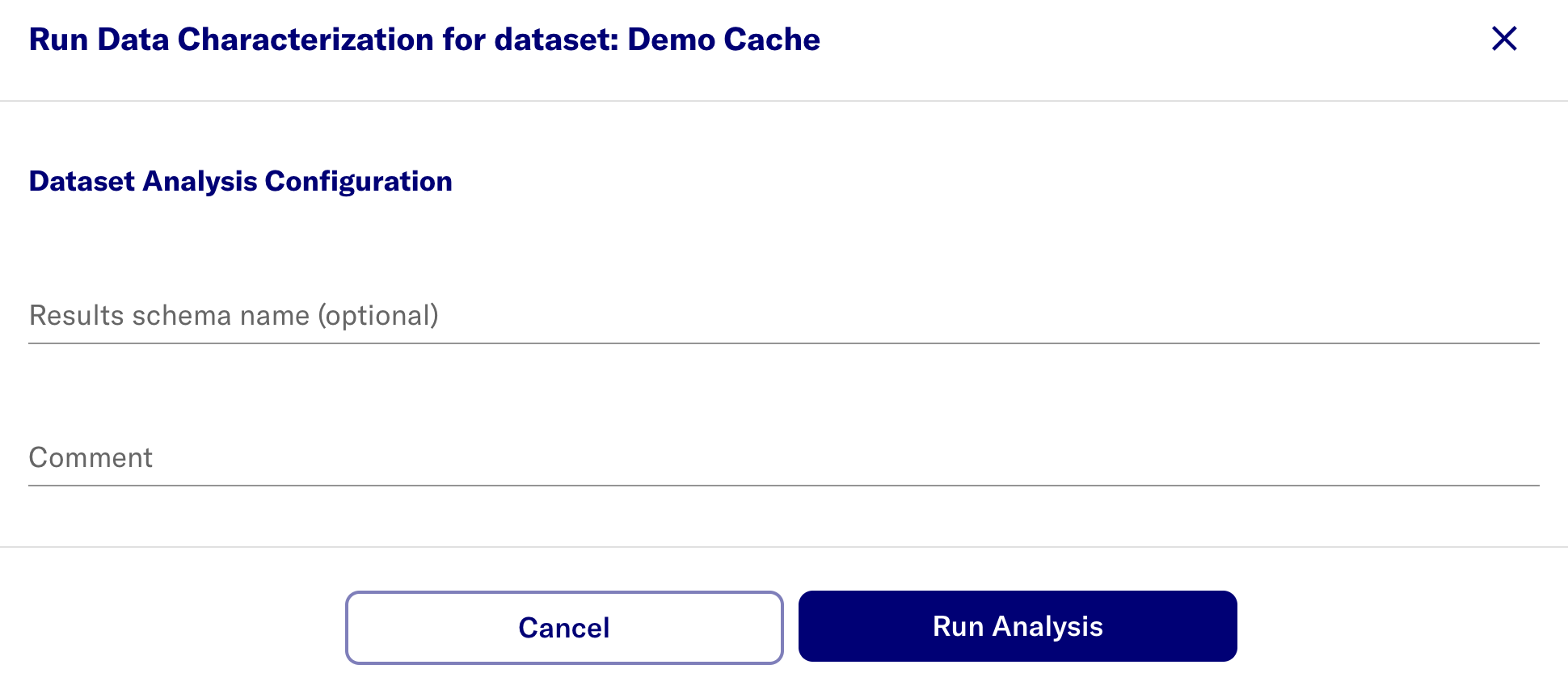
- (Optional) Pass in a results schema name that contains the cohort and cohort_definition tables
- Select the Run Analysis button.
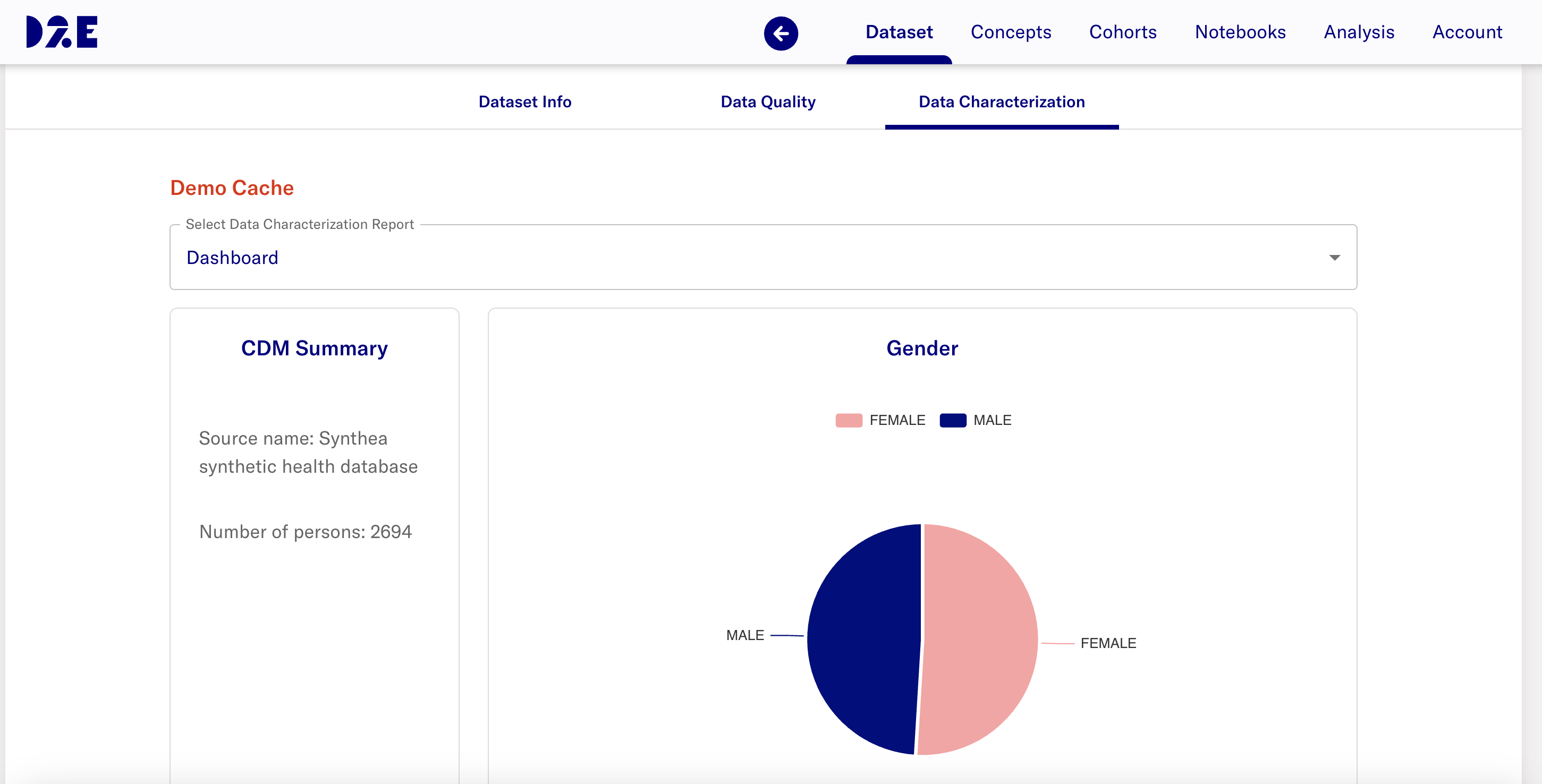
- After completing the Data Characterization job run, the dashboard is available through the researcher portal.
Error Handling
-
The Data Characterization job fails when the following occurs:
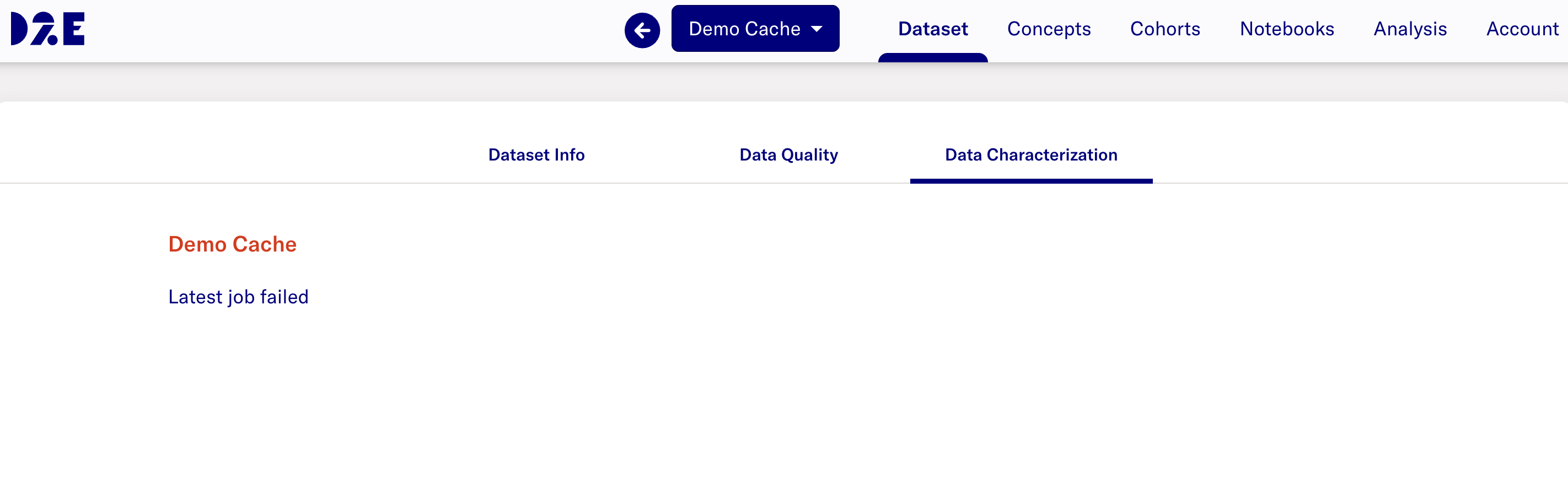
- The dashboard for the dataset in the researcher portal displays an error Latest job failed
- In Admin Portal Jobs page, the latest job run shows the status Failed
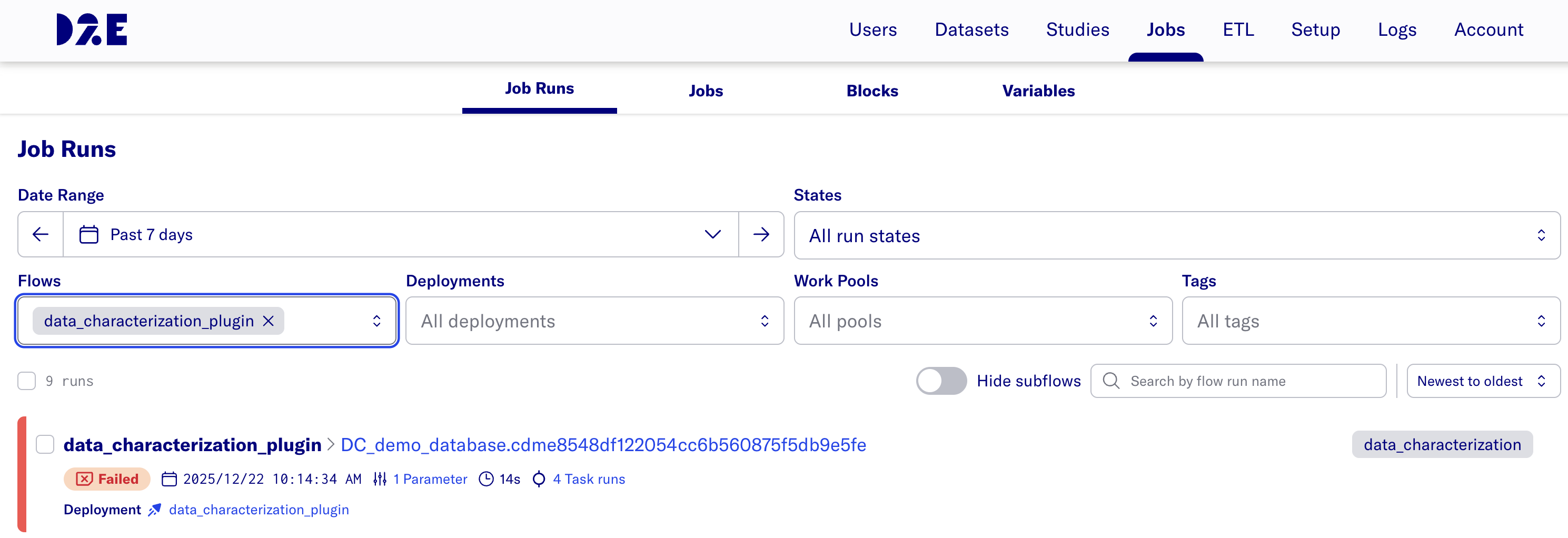
- The dashboard for the dataset in the researcher portal displays an error Latest job failed
-
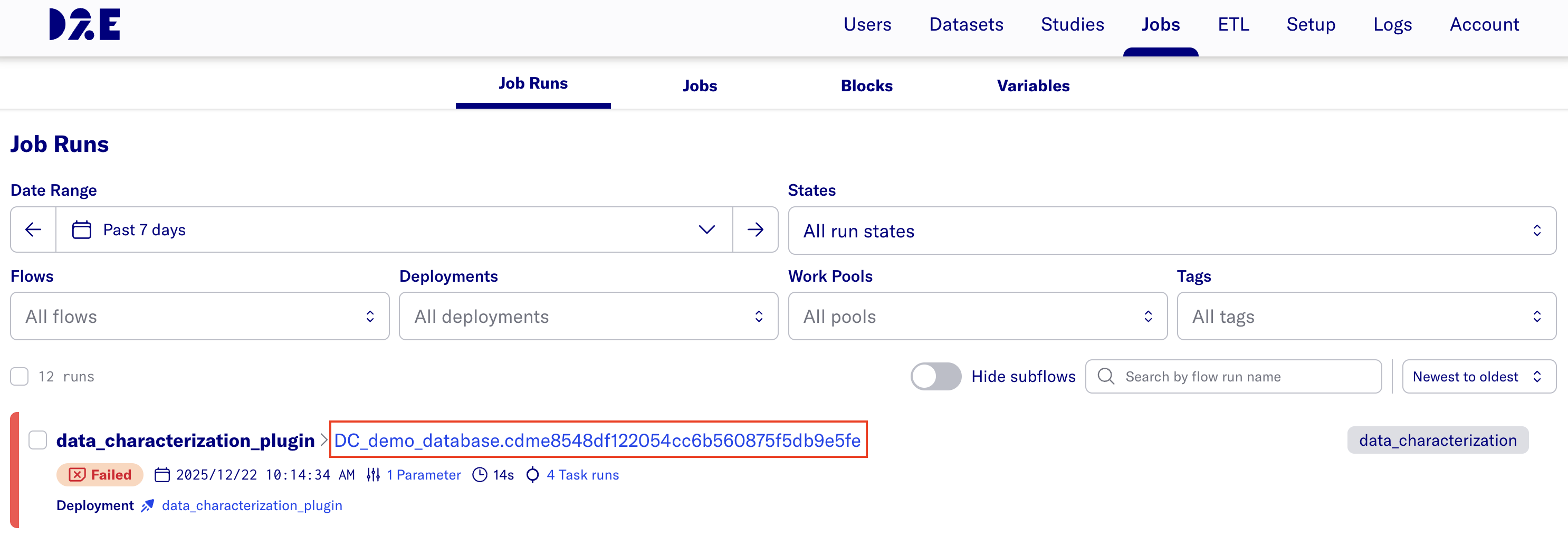
To check the logs, click the hyperlink after data_characterization_plugin >
-
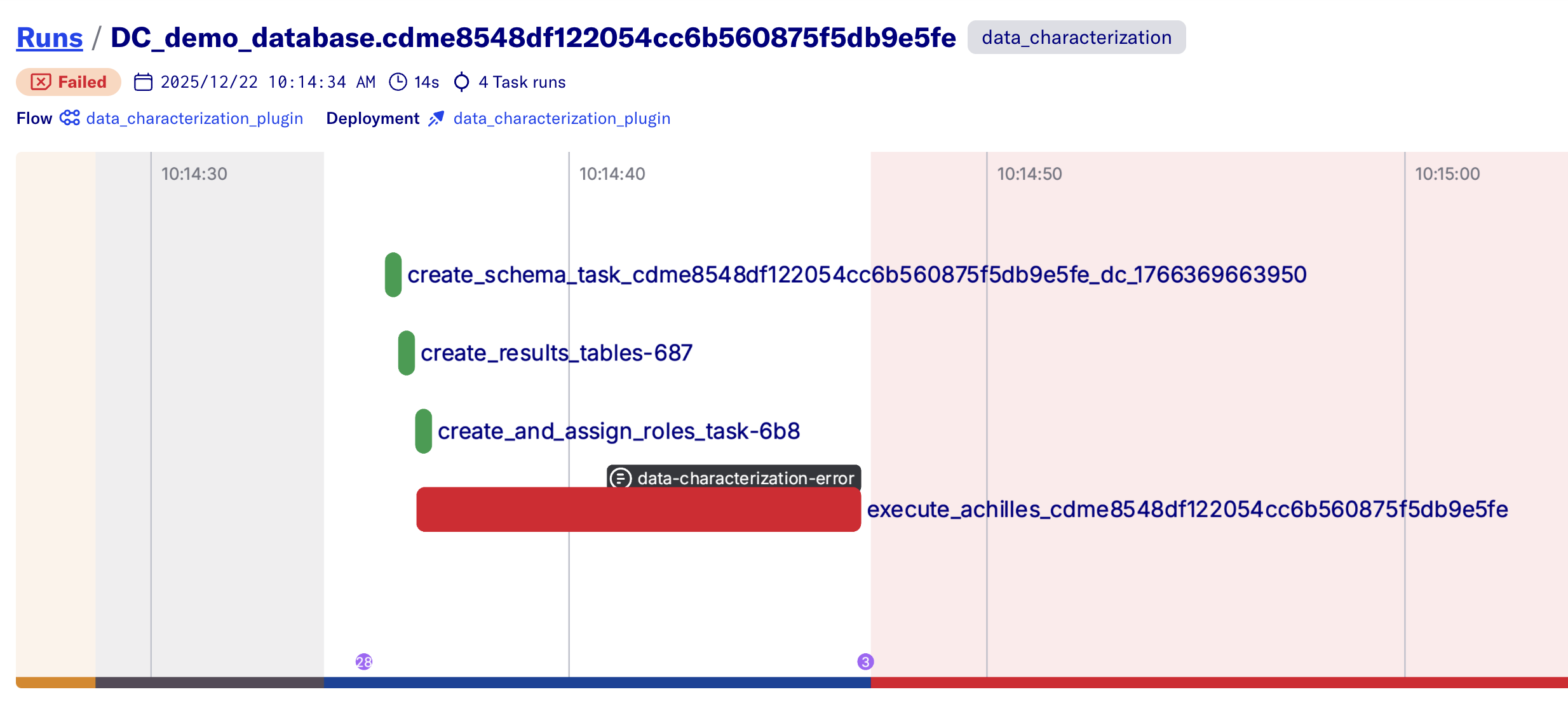
Click the grey box that says data-characterization-error
-
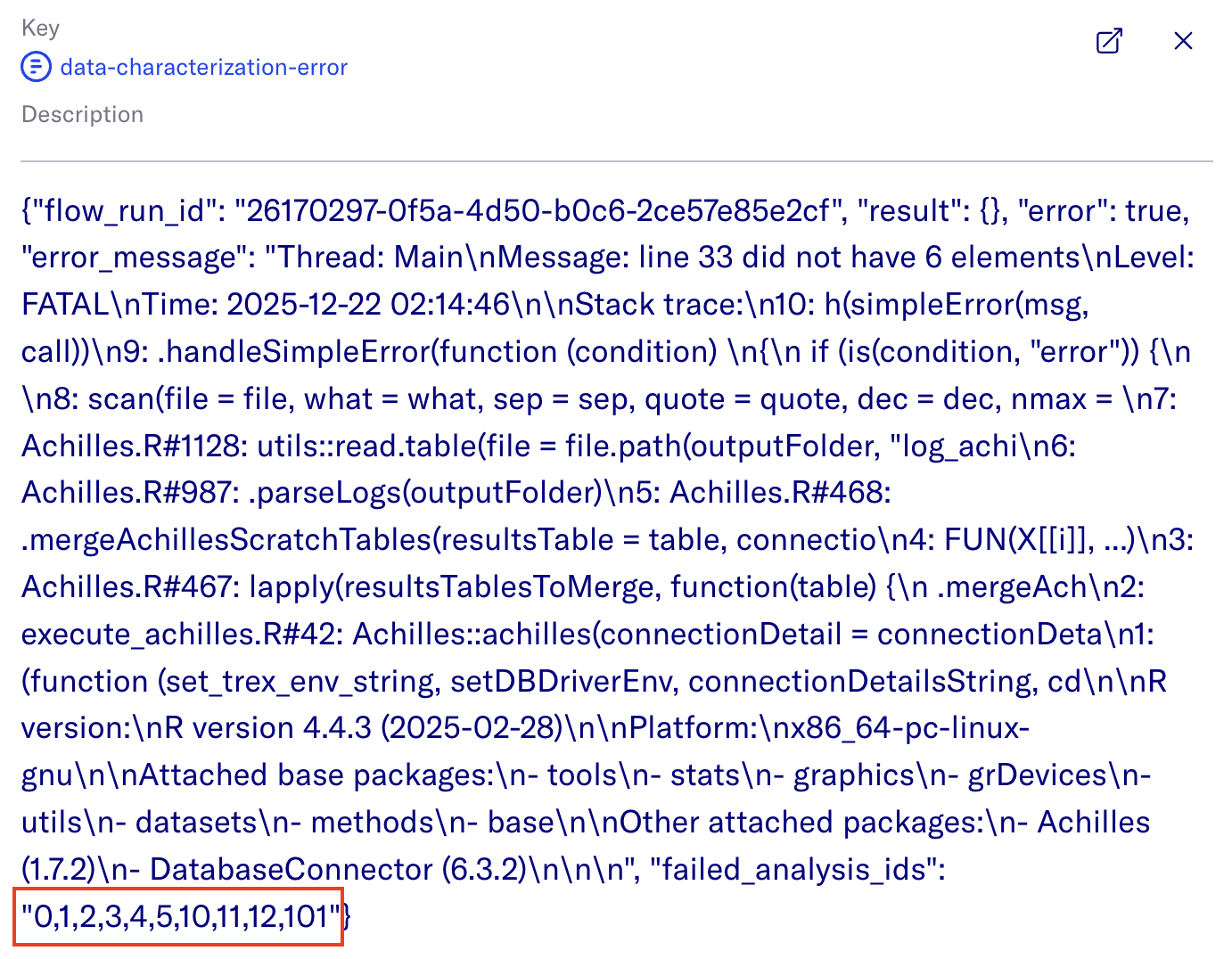
This will open a window with the json logs of the job run.
-
If there are failed analysis ids, copy the string and update the exclude_analysis_ids variable in Jobs > Variables
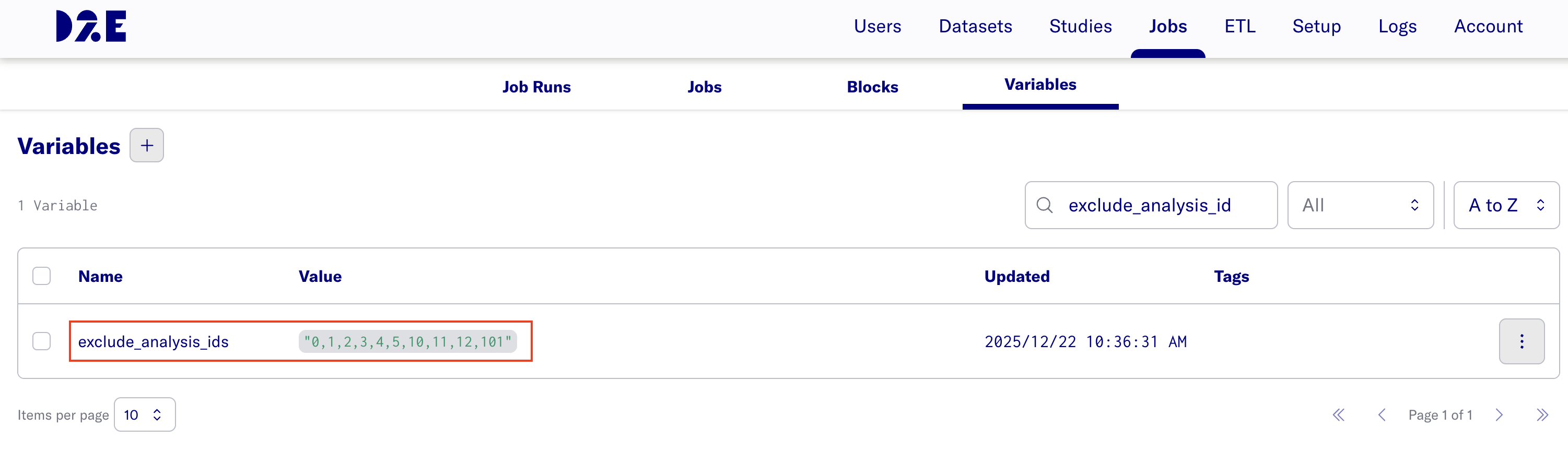
Note: The value must be formatted as a comma-separated list of integers within a string (e.g.,
"1,2,3").Note: The exclude_analysis_ids variable currently applies to all data characterization flow runs.