Users and Roles
Users
Add Primary Admin user
-
Log in to Data2Evidence using a Chrome web browser
- https://localhost:443/portal - local workstation
https://<FQDN>/portal- remote server
-
Switch to Admin Portal
- On top right, Click Account
- On middle left, Click Switch to Admin Portal
-
On top right, Select Users
-
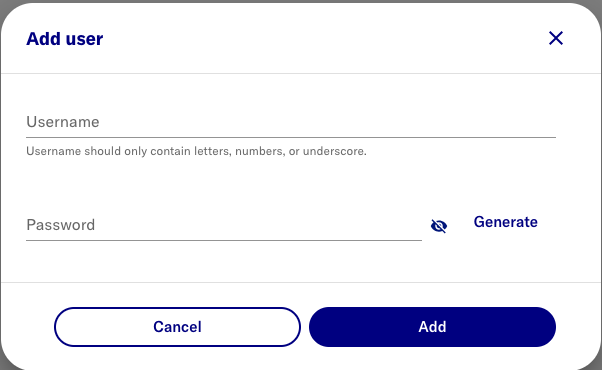
Click Add user
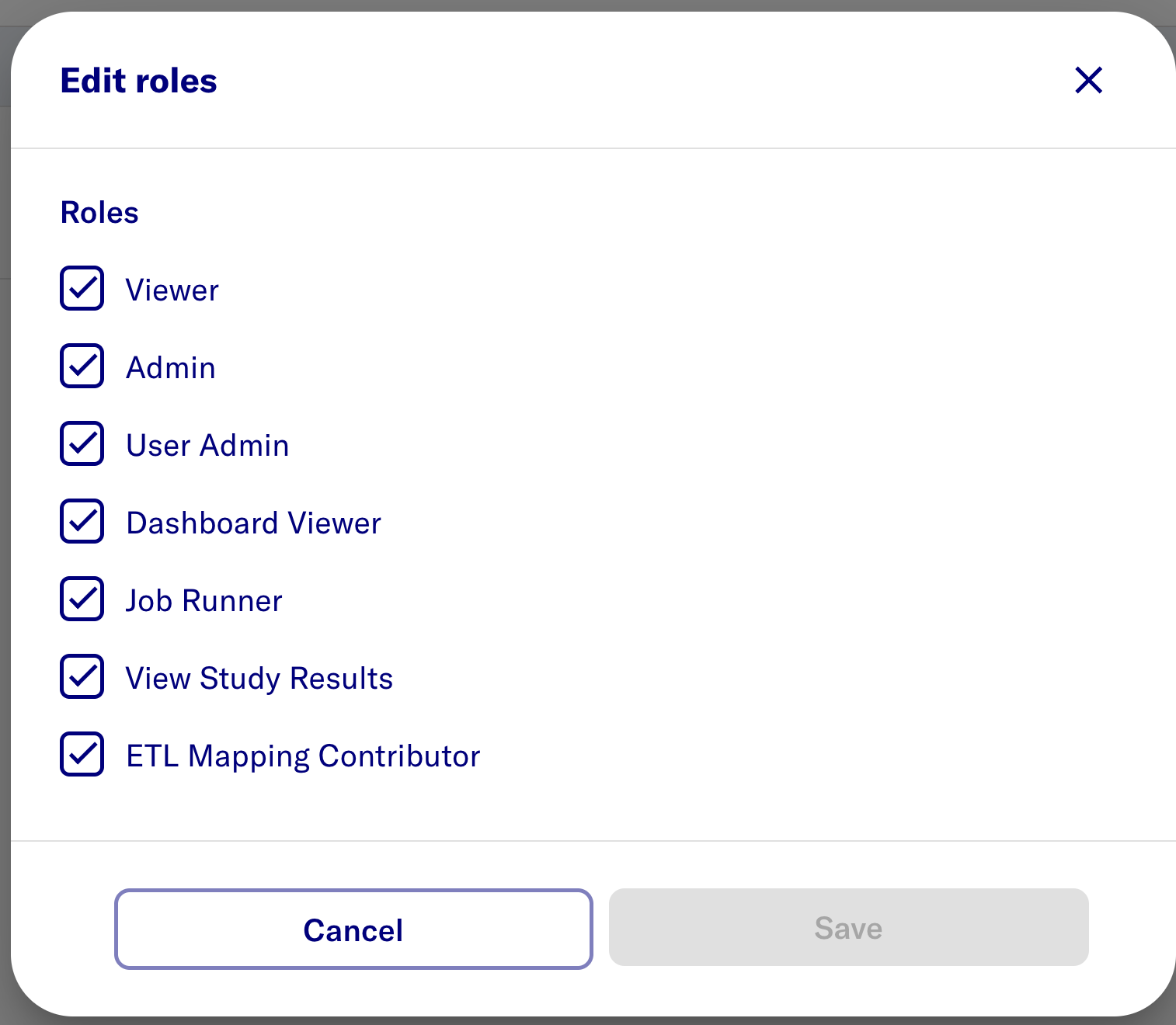
Edit roles
- On the new user row, click Edit and Select the following roles.
note
Default role Viewer is sufficient for Researcher access
Deactivate initial admin
warning
Ensure another user has been granted all admin roles.
- click the 3-dots icon for admin user
- select Deactivate
